
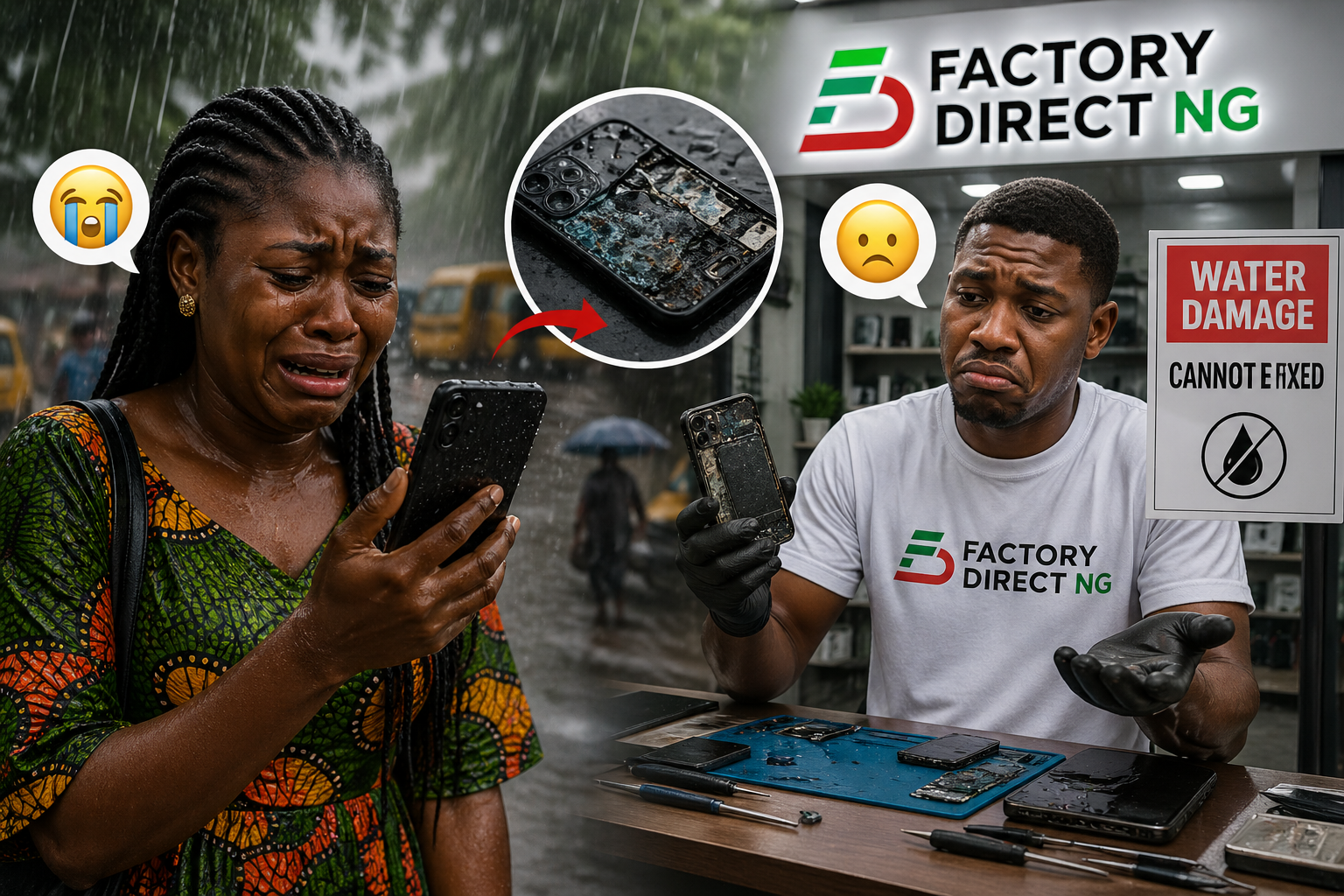
Why You Should Never Enter the Rain With Your Phone or Power Bank
In today’s digital world, smartphones, power banks, and other electronic devices are essential parts of daily life. Whether you’re commuting, working remotely, or traveling, your gadgets go everywhere with you—including, unfortunately, into the rain.
But here’s the truth many people ignore:
Rain water and electronics are a dangerous combination.
Even a small amount of moisture can lead to internal damage, data loss, or complete device failure. Despite modern innovations like water-resistant smartphones and rugged gadgets, no device is completely immune to water exposure.
In this comprehensive guide, you’ll learn why rain is harmful to electronics, what happens inside your device when it gets wet, and how to protect your valuable gadgets effectively.
⚡ What Happens When Electronics Get Wet?
1. Short Circuits Destroy Components Instantly
Electronic devices rely on carefully controlled electrical pathways. When water enters your device:
- It disrupts these pathways
- Electricity flows unpredictably
- Components burn out instantly
This is known as a short circuit, and it’s one of the most common causes of sudden device failure.
2. Corrosion Slowly Kills Your Device
Even if your phone continues working after exposure to rain, hidden damage may already be happening.
- Water reacts with internal metals
- Circuit boards begin to corrode
- Connections weaken over time
This means your device may fail days or even weeks later.
3. Mineral Residue Causes Long-Term Damage
Rainwater is not pure—it contains:
- Dust
- Minerals
- Pollutants
When water evaporates, these residues remain inside your device, continuing to damage circuits.
4. Battery Damage Can Be Dangerous
Lithium-ion batteries (used in smartphones and power banks) are sensitive to moisture.
Water exposure can cause:
- Overheating
- Swelling
- Reduced battery life
- In rare cases, fire hazards
📱 The Myth of Waterproof Phones
Many modern smartphones advertise IP67 or IP68 ratings, leading users to believe they are waterproof.
The Reality:
- These ratings are tested in controlled environments
- They use clean, still water—not rain
- Protection weakens over time
Rainwater can still enter through:
- Charging ports
- Speaker grills
- Micro cracks in the casing
Important: Most manufacturers do not cover water damage under warranty—even for water-resistant devices.
🔋 Why Power Banks Are Even Riskier in the Rain
Power banks store significant electrical energy, making them more dangerous when exposed to water.
Risks of Using a Wet Power Bank:
- Short circuit during charging
- Overheating or battery failure
- Damage to connected devices
- Electrical shock risk
Using a power bank in the rain—especially while charging your phone—is one of the fastest ways to damage both devices.
💻 Other Gadgets You Should Protect From Rain
Rain doesn’t just affect phones and power banks. Other vulnerable devices include:
Laptops
Water can seep through keyboards and damage internal components.
Wireless Earbuds
Moisture affects sound drivers and charging cases.
Smartwatches
Water resistance can degrade over time, especially with repeated exposure.
Charging Accessories
Cables and USB ports can corrode quickly when wet.
⚠️ Common Mistakes People Make
Avoid these common errors:
- Using your phone during heavy rain
- Charging devices while they are wet
- Assuming a working device is not damaged
- Using heat (like a hair dryer) to dry devices
- Ignoring early warning signs
🛡️ How to Protect Your Devices in the Rain
Before Going Out
- Use waterproof pouches or cases
- Store devices in sealed compartments
- Avoid loose pockets
During Rain
- Minimize device usage
- Keep electronics covered
- Avoid charging under any condition
After Exposure
- Turn off the device immediately
- Dry it with a soft cloth
- Let it air-dry for 24–48 hours
- Avoid turning it on too soon
🧯 What To Do If Your Device Gets Wet
Follow these steps immediately:
- Turn off the device
- Remove SIM cards and accessories
- Wipe off external moisture
- Place in a dry, ventilated area
- Wait at least 24–48 hours before powering on
Avoid using rice as a primary drying method—it’s not as effective as proper air drying.
📈 Why This Matters More in 2026
Modern gadgets are:
- More expensive
- More compact
- More sensitive
With trends like:
- Foldable smartphones
- High-capacity power banks
- Smart wearables
- IoT-connected devices
Even minor water exposure can lead to significant financial loss.
Prevention is Cheaper than Repair
The best way to handle rain is to never let it touch your tech. Here are the trending protection gadgets available at FactoryDirectNG:
- Dry Bags for Commuters: If you ride bikes or use public transport, a small 5L dry bag inside your backpack is a lifesaver.
- Silicone Port Plugs: These tiny ₦1500 accessories plug your USB-C or Lightning ports, preventing moisture and dust buildup.
- Waterproof Laptop Sleeves: Don’t rely on your backpack being “water-resistant.” Invest in a dedicated neoprene or hardshell sleeve.
🔑 Key Takeaways
- Rainwater can cause both immediate and long-term damage
- Water-resistant devices are not completely safe
- Power banks are especially dangerous when wet
- Damage may not be visible immediately
- Prevention is always better than repair
📝 Conclusion
Walking in the rain with your phone or power bank might seem harmless—but it’s one of the easiest ways to damage your electronics.
Your devices are built with delicate components that rely on precise electrical systems. Rain disrupts these systems in ways that are often invisible—until it’s too late.
Protect your gadgets the same way you protect yourself from the rain.